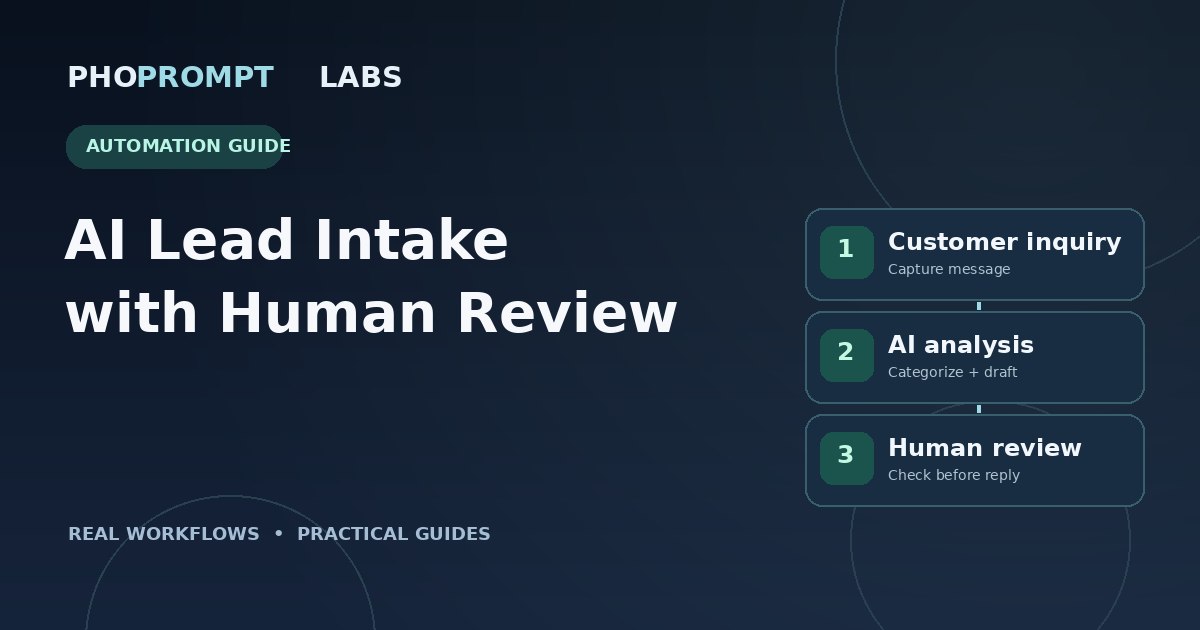
Turn a form submission into a structured lead summary and a draft response that a person reviews before sending. This is a build guide, not a claim of a verified production deployment.
Verification status: Documentation reviewed; included workflow draft has not yet been exercised in a running n8n instance. Commands, credentials and integrations must be tested before calling this a working case study. Last documentation review: November 19, 2026.
Who is this for?
Freelance consultants, small agencies and service businesses that collect inquiries through a web form and need a consistent way to summarize the request and prepare a human-reviewed response.
What you need
- An n8n instance (self-hosted Community Edition or an appropriate paid plan).
- An AI model provider API account and a spending limit. API usage is usually billed separately.
- Sample, non-sensitive inquiries for your first test.
- Optional, after testing: Google Sheets or another client-owned destination.
Build it step by step
- Receive an inquiry: create an n8n Webhook node that accepts POST JSON with
name,email,companyandmessage. - Validate: reject empty messages, limit field length and remove fields you do not need.
- Classify with AI: request a short summary, category, urgency and a draft reply. Treat the user's incoming text as untrusted data, not instructions to the model.
- Require approval: save the draft for a human to check. Do not let the demo send mail automatically.
- Test: try a legitimate inquiry, an empty message and an intentionally tricky message before connecting live client data.
- Document: record the exact n8n version, model, cost assumptions and failure behavior.
Example incoming request
{
  "name": "Alex Example",
  "email": "alex@example.com",
  "company": "Example Studio",
  "message": "Can you automate client inquiry tracking for our team?"
}
Example AI output structure
{
  "category": "automation_inquiry",
  "urgency": "normal",
  "summary": "Client wants an inquiry tracking workflow.",
  "draft_reply": "Hi Alex, thanks for reaching out...",
  "requires_human_review": true
}
What can go wrong?
- Privacy: personal inquiries may be sent to an external AI provider. Use consent, a suitable data-processing arrangement and avoid unnecessary fields.
- Prompt injection: a lead can contain text that tries to change your workflow instructions. Never treat that as trusted instruction.
- Cost: self-hosting n8n does not make hosted AI API calls free.
- Security: never expose a public, unauthenticated AI-triggering webhook with unlimited calls.
- Reliability: workflows must handle failures, duplicates and unavailable external services.
License and disclosure
n8n uses a Sustainable Use License (fair-code), not an OSI-approved open-source license. n8n's published guidance permits commercial consulting and building client workflows, but hosting n8n as a service to clients is subject to different restrictions. Read n8n's license guidance.
Want someone to implement it?
If you want a small, reviewed lead intake automation and a clear hand-off, see the launch setup offer below.
This guide is independently written and is not affiliated with or endorsed by n8n. No affiliate links are used in this starter article.